v1.0.0
CMS Companion for Directus
Your Directus Workspace. Anywhere.
CMS Companion brings Directus to Android and the web so you can manage collections, files, workflows, and analytical views from anywhere.
lifetime
One-time purchase — no subscription
1 / 8
What Makes It Useful
A quick tour of the app experience.
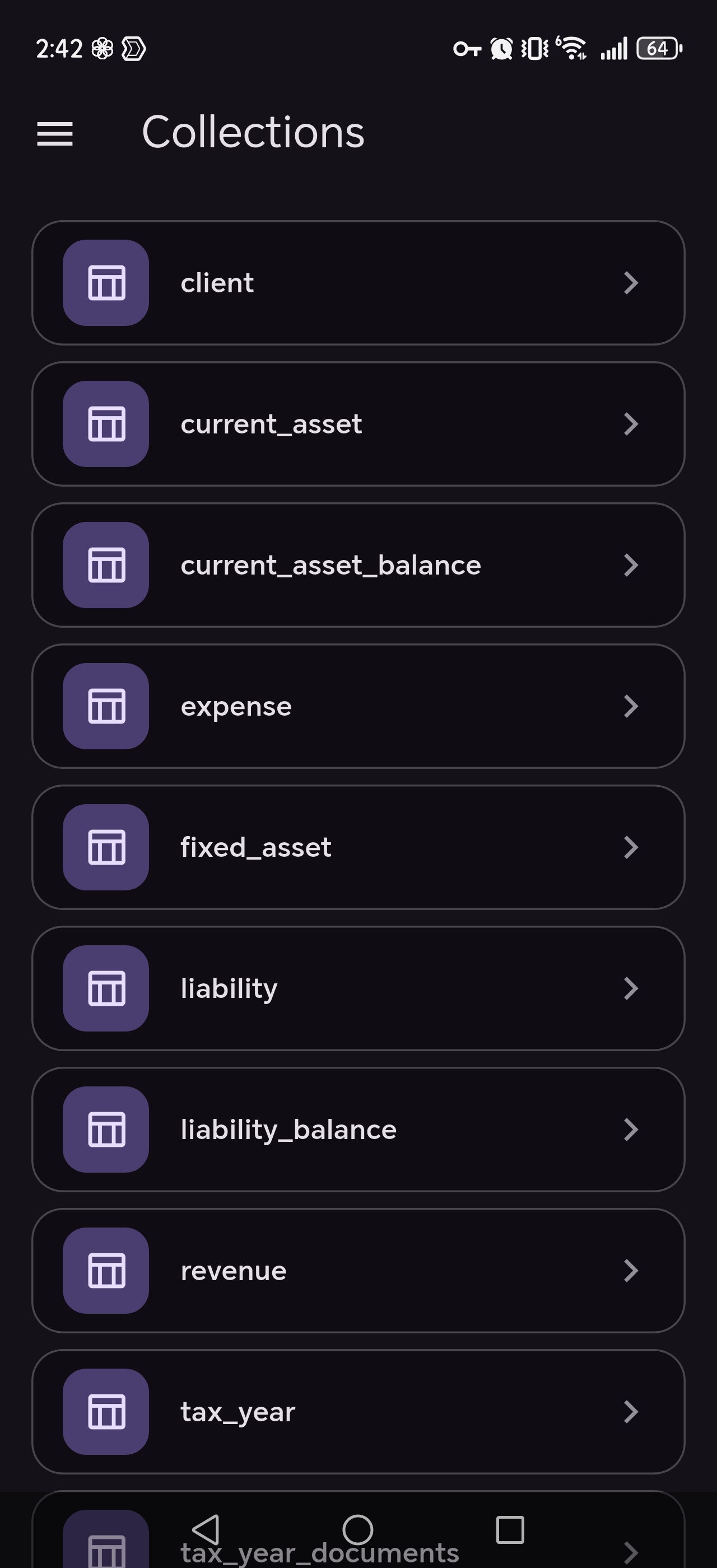
Manage Every Collection
Browse, create, edit, and delete records across your Directus collections with search, filters, sorting, and pagination designed for touch.
Rich Fields and Relationships
Work comfortably with text, numbers, dates, media, JSON, maps, repeaters, and linked records without dropping back to desktop.
Views That Match the Job
Switch between table, card, calendar, and kanban layouts and keep the right view saved for each collection.
Dynamic Data Pages
Build tailored working views with filters, calculations, totals, and reconciliation checks for finance, operations, and reporting.
Files and Media, Handled
Upload, preview, organize, and attach files directly from your device, with support for images, PDFs, and office documents.
Keep Moving Anywhere
See live changes from your team when connected, and keep working offline with queued updates that sync later.
Dynamic Data Pages for Real Business Work
Go beyond record editing with tailored views that combine filters, tables, calculations, and checks in a single workspace.
Examples
Income Tax Preparation
Review client data, compare totals, and keep supporting records in the same working view.
Inventory Reconciliation
Track stock by warehouse or category and check differences without leaving the workflow.
Budget Tracking
Compare planned and actual spending with saved views for recurring review cycles.
Sales Reporting
Group regions, periods, and pipeline data into one place for faster reporting.
Where It Fits Best
Content and Publishing
Manage articles, pages, media, and review flows without being tied to a desk.
E-Commerce Operations
Update products, prices, inventory, and order-related data while you are away from the office.
Finance and Reporting
Track clients, balances, and reporting periods with working views that support day-to-day analysis.
Project Coordination
Move tasks through kanban stages, review timelines, and keep work visible across teams.
Education and Administration
Manage students, courses, grades, and supporting records from one mobile-friendly workspace.
Real Estate Teams
Handle listings, photos, leads, and viewing schedules directly from the field.
Everything Included
All major capabilities are visible here at a glance.
Content Editing and Organization
- Browse collections and nested structures from one place
- Search, filter, sort, and paginate large datasets
- Create, update, delete, and bulk-manage records
- Review activity and restore earlier record versions
- Save column layouts and browsing preferences per collection
Rich Fields and Relationships
- Edit text, numbers, dates, toggles, selections, and tags
- Work with markdown, rich text, JSON, code, maps, and repeatable data
- Manage one-to-one, one-to-many, and many-to-many relationships
- Upload single or multiple files directly from a form
- Use display templates that make complex records easier to scan
Views and Business Workflows
- Switch between table, card, calendar, and kanban layouts
- Keep a preferred layout saved for each collection
- Build Dynamic Data Pages with filters, linked tables, and saved configurations
- Add formulas, totals, and reconciliation checks for operational workflows
- Use the same app for day-to-day content work and higher-level reporting
Files, Teamwork, and Offline
- Browse media in grid or list views
- Preview images, PDFs, and office documents in-app
- Watch uploads with progress feedback
- See team changes appear live while you work
- Keep working during connection loss and sync queued changes later
Access and Personalization
- Sign in with email, token, SSO, or two-step verification
- Use Face ID or fingerprint where supported
- Keep saved sessions and fast access to the projects you use most
- Save bookmarks with custom names, icons, and colors
- Choose light, dark, or system theme and carry settings between setups
Get Help for CMS Companion for Directus
CMS Companion does not rely on a separate backend support portal, so support requests are handled directly by email.
Email Support
Use email for questions about setup, privacy, billing, or feature issues related to CMS Companion.
Email SupportReady to get started?
Available on Google Play, the web.
€20 — One-time purchase — no subscription